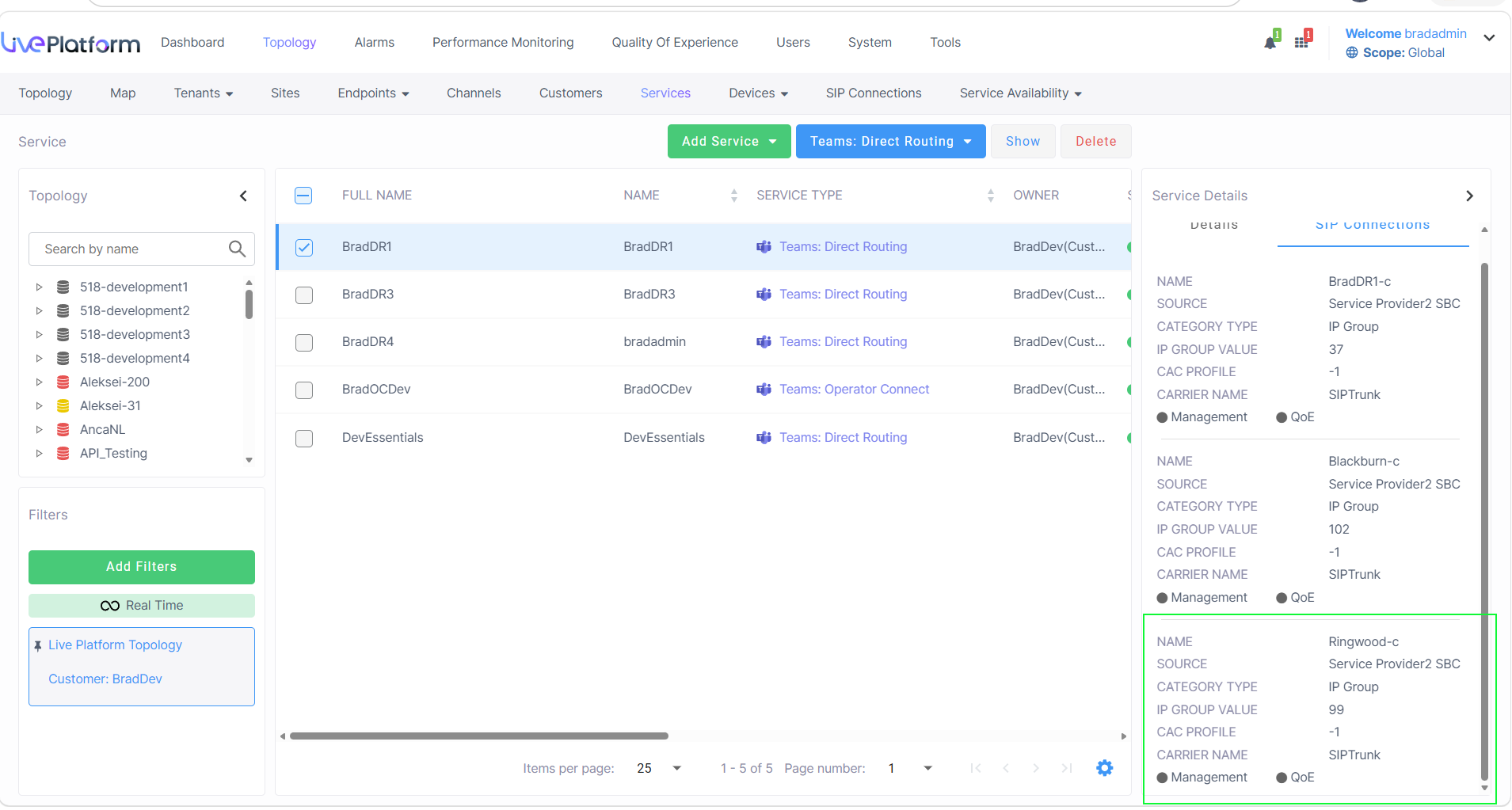
Add SIP Connections - Essentials Plus and Pro
This option lets you add new SIP connections representing the link between Live Platform and customer service SIP entity, specifically the link between the SBC, the SIP Trunk or IP-PBX and the customer tenant site. The new connection is added using the Onboarding wizard where the tenant credentials are automatically authenticated using Single Sign-on. The wizard process lets you automatically assign a DNS entry for the site.
| ➢ | To onboard an SBC site: |
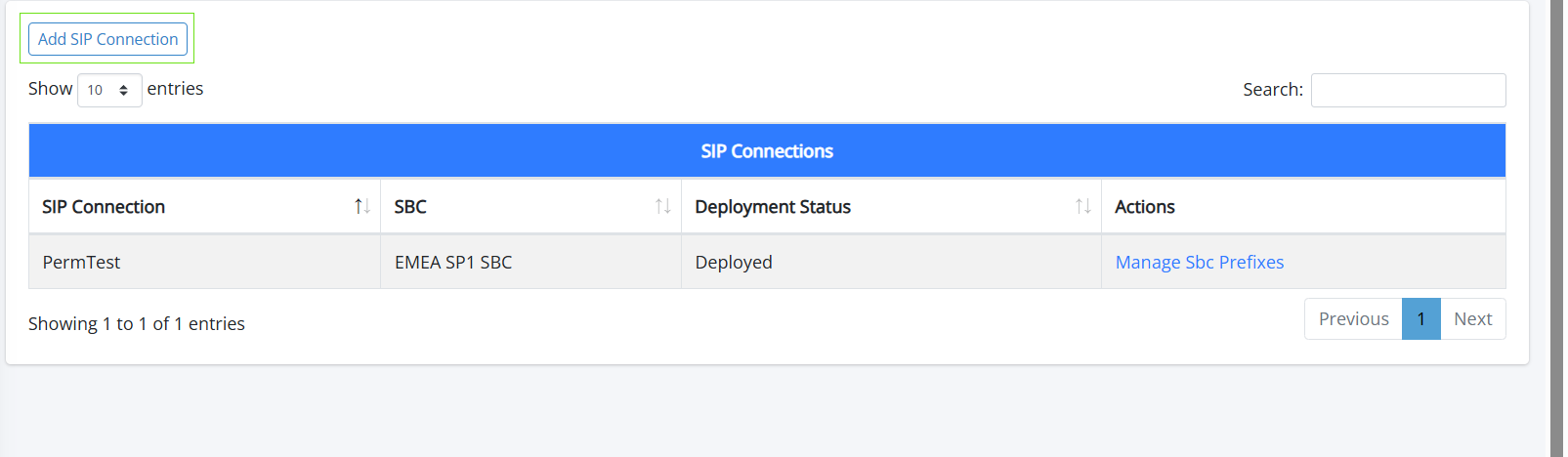
| 1. | In the Service portal Navigation pane, select Configuration > SIP Connections. |
| 2. | Click Add SIP Connection to add a new SIP Connection for a site location. |
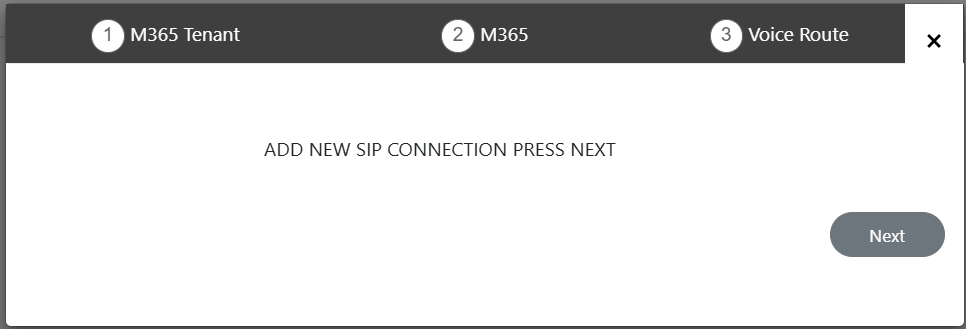
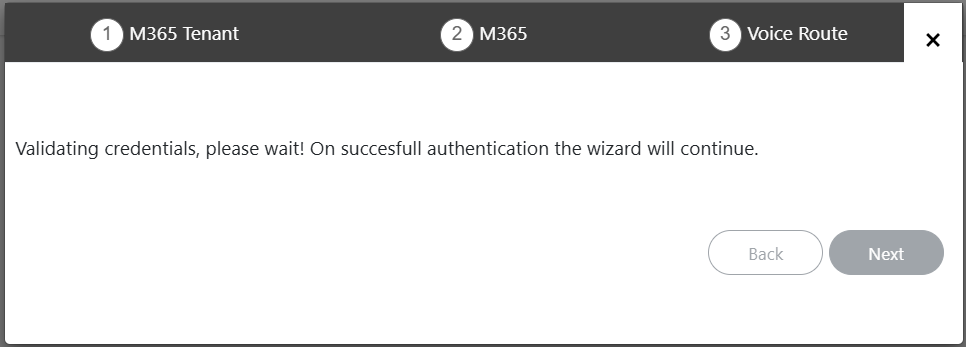
| 3. | Click Next to continue. Credentials are validated and the Onboarding wizard opens. |
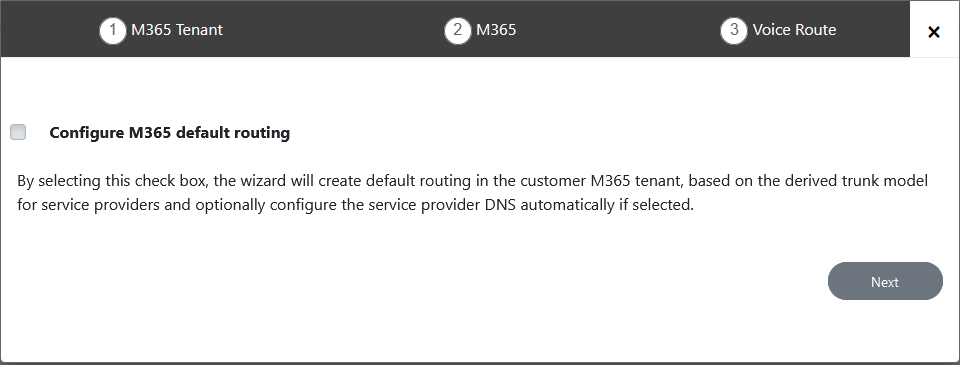
| 4. | Optionally configure M365 Direct Routing (see Onboarding Direct Routing Service) or click Next to continue. |
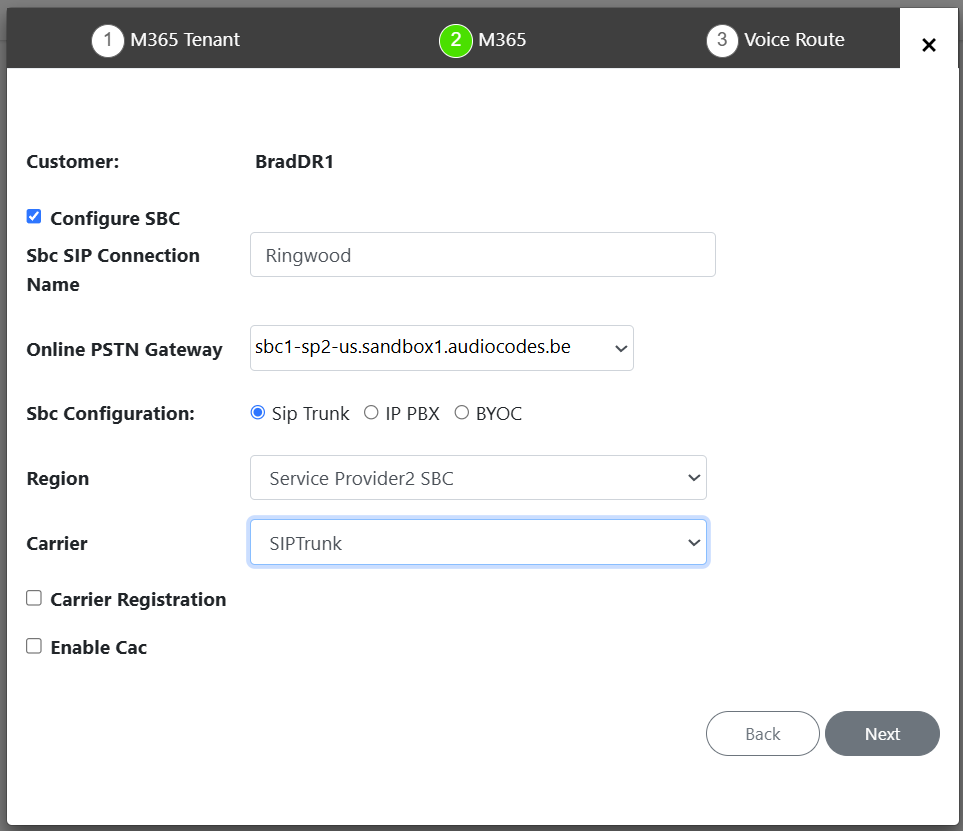
| 5. | Configure the SBC, see Configure SBC for Essentials Plus service or Configure SBC for Pro service. |
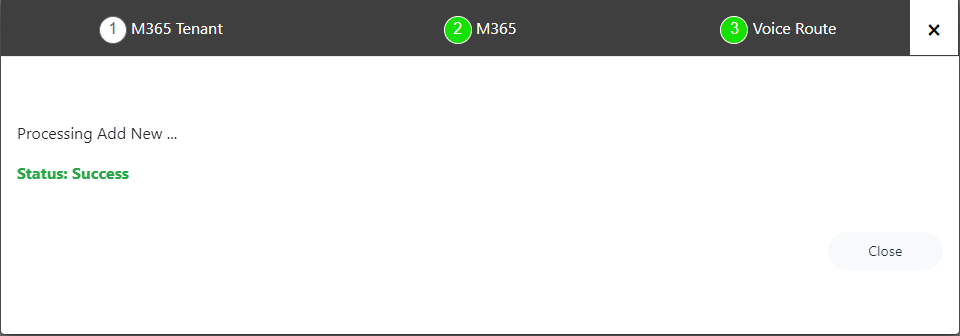
At the end of the wizard, the following confirmation message is displayed.
| 6. | In Service portal, open the SIP Connections page to view the new connection (see Managing SIP Connections and DIDs).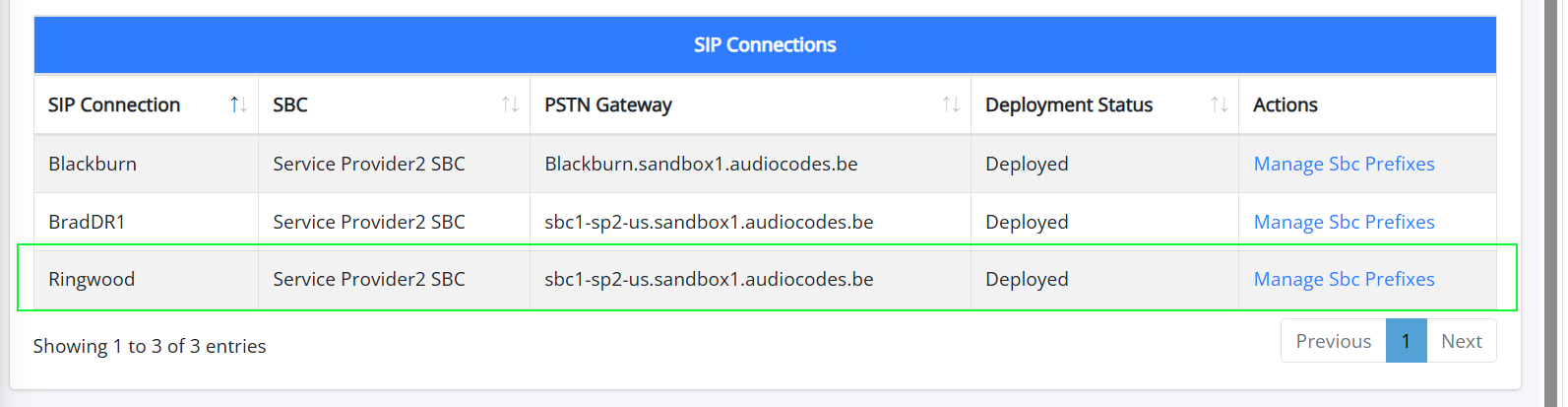 |
| 7. | You can also view the new connection in the Service Details. |